




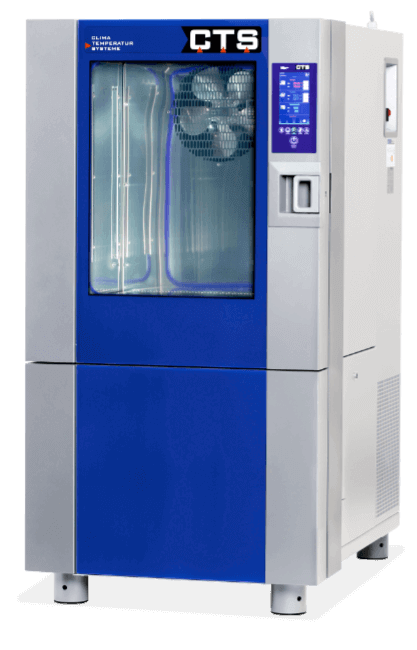
Description for creating a service package
1. Background
From C-Touch-Screen version 3.018, it is possible to create a service package via the control panel. In this package, all information that can be helpful to solve a problem is stored.
2. Procedure
To create a service package, a USB stick must be available on the control panel. This is symbolised by a small icon in the header.

Figure 1 Header with USB icon
In the next step the header must be pulled down to make the extended header visible.
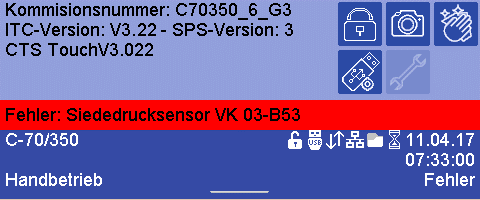
Figure 2 Extended header
In this header the button for the service area must be pressed. After pressing, a numeric keypad appears for entering a code.
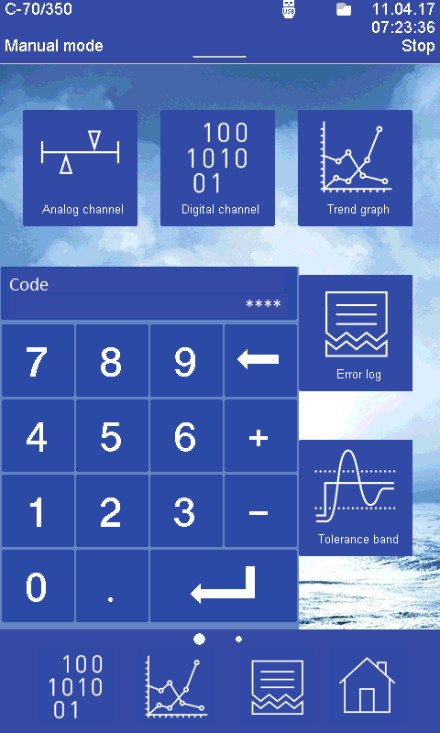
Figure 3 Numeric keypad for entering the code
With the code "1144", a service package is stored on the USB stick.
This process may take some time. During this time an hourglass appears in the header. When the packet is created, a note is displayed on the control panel. The UBS stick can then be removed and the data can be sent to the CTS service desk.
3. Content
If you open the USB stick, a folder with the commission number or, in the case of standard programmes, the type is displayed in the main directory. Here in the example it is a standard programme with the designation "T70600_10_R452A".
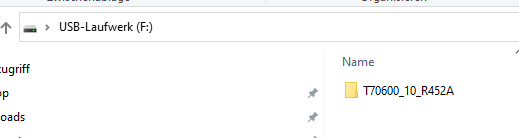
Figure 4 USB key root directory
When you open the folder, the following contents are displayed.
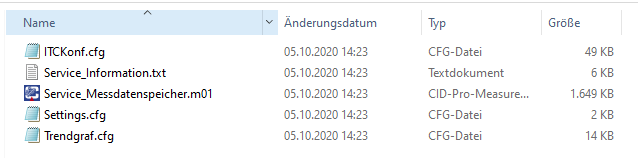
Figure 5 Content service package
Description of the files:
ITCKonf.cfg
The controller configuration of the device is stored in this file. The control panel evaluates it and displays the corresponding contents.
Settings.cfg
Optical settings from the control panel are stored in this file. For example, the assignment of the favourites bar or the brightness of the display.
Trendgraf.cfg
The configuration for the trend graph is stored in this file. Which channels are displayed with which colour.
Service_Messdatenspeicher.m01
In this file, the complete measurement data memory is read out by the control unit and stored in a CIDcompatible format. This enables the CTS service to open this file directly with a CID.
Service_Information.txt
All important information concerning the device is stored in this file. All menus available to the customer are collected in one place.
Example:
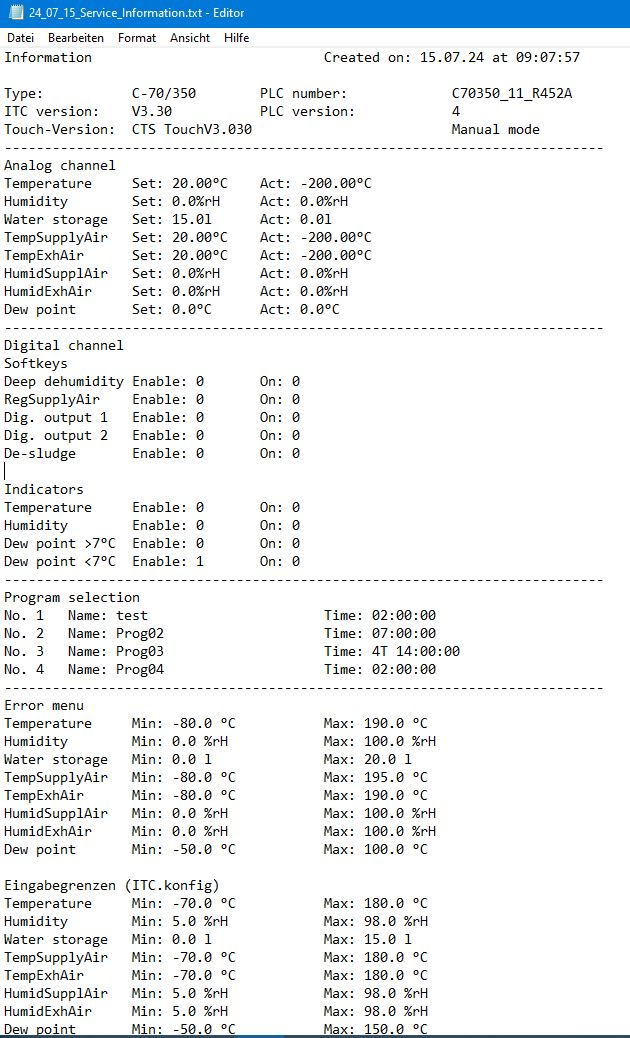
Figure 6 Service_Information part 1
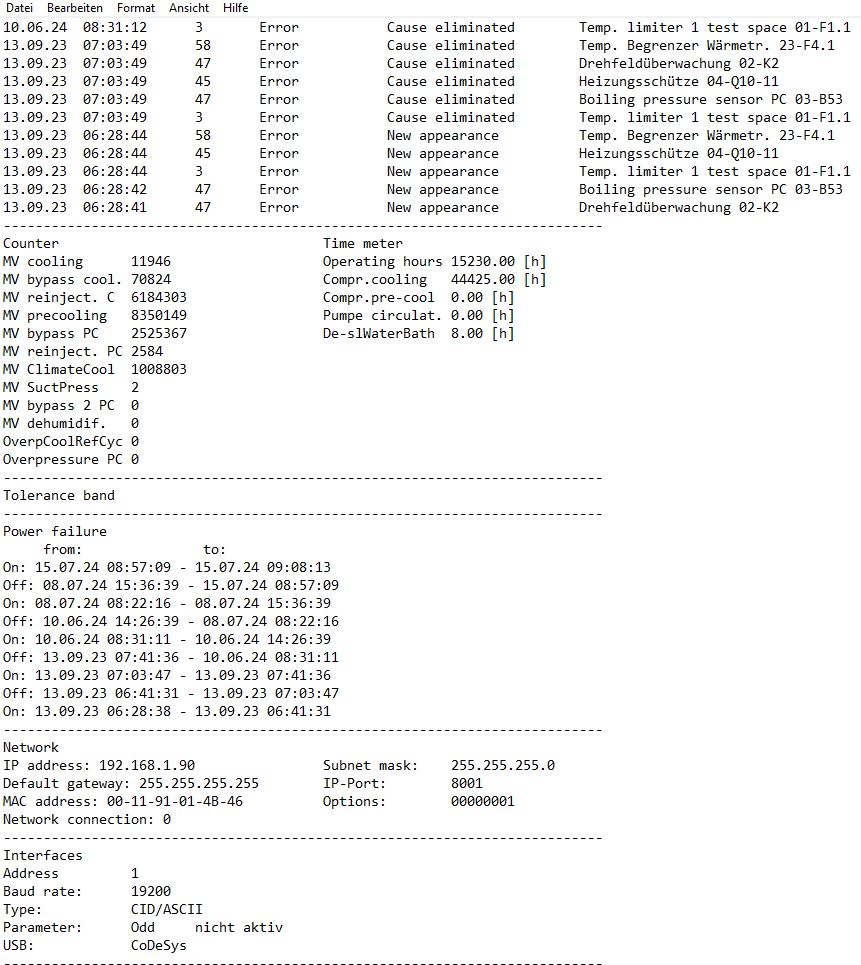
Figure 7 Service_Information part 2

Figure 8 Service_Information part 3
4. Note
In the C-Touch Screen version 3.018 this package was implemented for the first time. With version 3.022 or higher, the service package was revised once again and further information was added. Especially the file "Service_Information.txt" has been extended considerably.
All test programmes available on the device are also stored.
Version: 1.01